
Copying Someone Else's LinkedIn Headline Examples? Here's Why It Can Hurt Your Job Search
Searching for “LinkedIn headline examples” is common when updating a profile. Seeing how other professionals describe themselves can make it easier to understand what a strong headline looks like.
The problem starts when an example gets copied word for word.
A headline written for someone else's role, experience, and career goals may contain keywords that have nothing to do with your background. Even if it sounds professional, it can make the profile less specific and harder to distinguish from hundreds of similar profiles.
Examples are useful for understanding structure. The actual wording should come from the person's own experience and target role.
- A copied LinkedIn headline may describe someone else's experience, skills, and career goals instead of your own.
- Generic LinkedIn headline templates can make similar profiles blend together and make it harder to communicate a specific professional direction.
- Using irrelevant keywords from someone else's headline can make your profile less clear and less relevant to the roles you're targeting.
- A strong LinkedIn headline should reflect your target role, relevant skills, experience, and a useful proof point that you can genuinely support.
- LinkedIn headline examples work best as inspiration for structure and ideas, rather than wording to copy directly.
- LoopCV can help create a starting point for LinkedIn headlines, summaries, professional bios, and other job-search materials based on individual career information.
What goes wrong when you copy someone else's headline
Copying a headline can seem harmless, especially when the original looks polished. A few problems can appear once that headline is attached to a different person's profile.
It describes someone else's experience
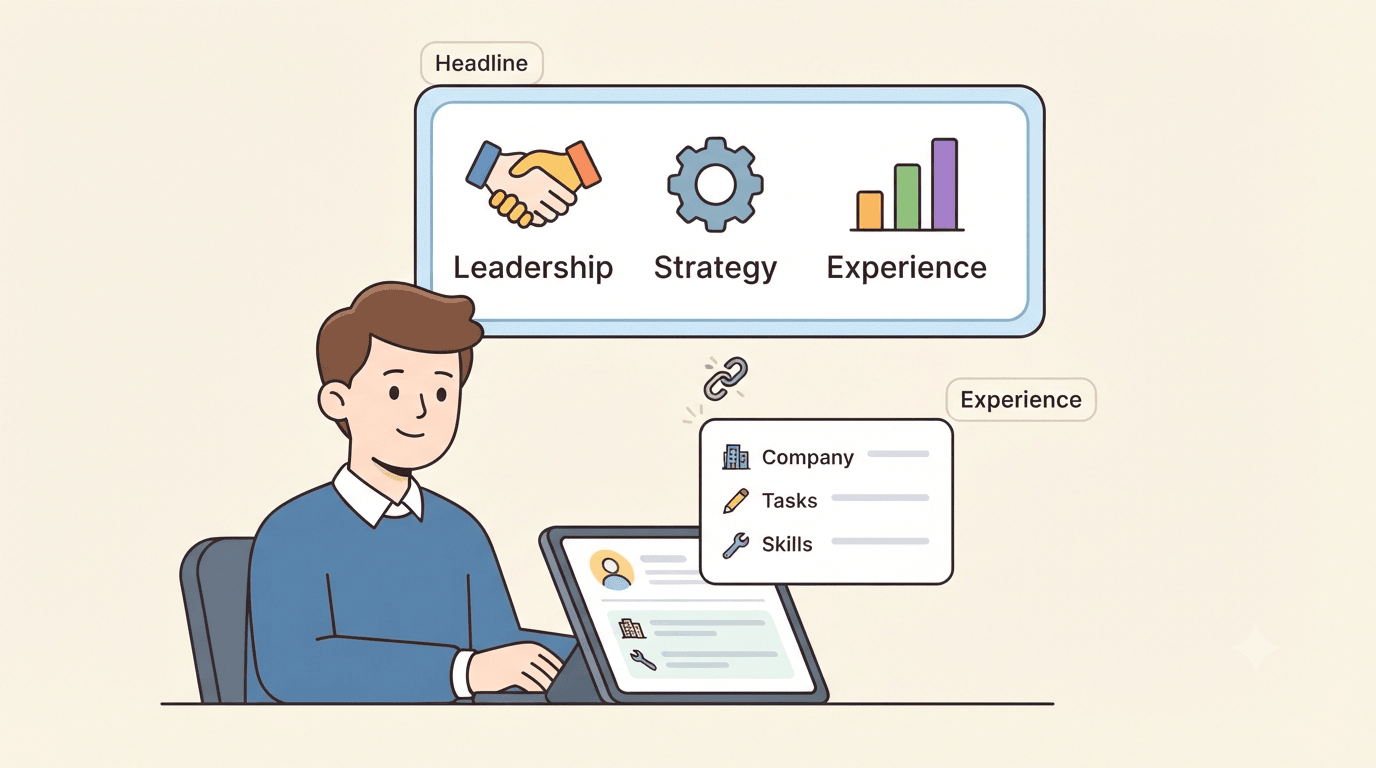
A headline written for an experienced product manager may mention leadership, strategy, specific tools, or achievements that don't apply to an entry-level candidate.
Even when the wording sounds impressive, it creates a mismatch between the headline and the rest of the profile.
Recruiters who see the headline and then read the experience section may find that the positioning doesn't line up.
It makes the profile blend in
Many LinkedIn headline examples rely on familiar phrases such as:
“Results-driven professional | Strategic thinker | Passionate leader”
There is nothing inherently wrong with these descriptions, but they don't say much about what the person actually does.
If hundreds of profiles use similar wording, copying the same structure and language makes it harder for an individual profile to communicate something specific.
It fills the headline with keywords that don't matter
A headline should help communicate what someone does and what kind of opportunity they are looking for.
Adding every keyword found in examples can produce a headline filled with broad terms that aren't relevant to the person's target role.
For example, someone applying for content writing positions may get more value from specific terms such as Content Writer, SEO, Content Strategy, and B2B Writing than from a long list of unrelated skills.
It can make the profile less searchable
Keywords can help LinkedIn understand what a profile is about. That makes relevance important.
Using keywords simply because they appear in another person's headline can create the opposite problem. If the terms don't accurately describe the person's skills or target role, they don't give recruiters a clear reason to find or contact that profile.
It can look copied
A headline isn't usually considered in isolation. Recruiters can see the rest of the profile, including experience, skills, summary, and activity.
When the headline uses language that feels disconnected from everything else, it can make the profile look less authentic.
Your headline also shouldn't exist in isolation. The rest of your LinkedIn profile needs to support what it says. If you're updating the headline, how to improve your LinkedIn profile to find a new job can help make sure the rest of the profile supports the same professional direction.
How to build a linkedin headline that's actually yours
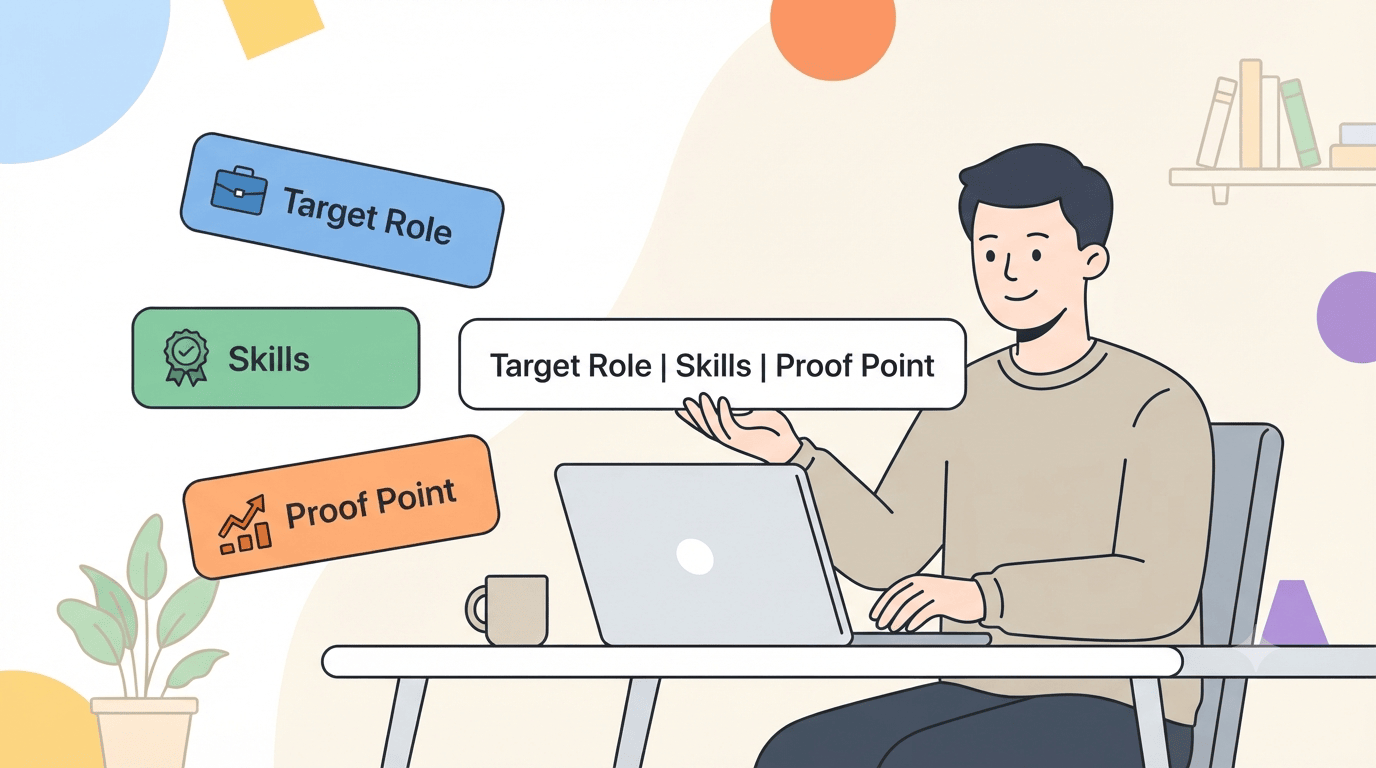
A useful headline starts with the person's own career direction. The following elements can help shape it.
Start with the target role
Think about the jobs being targeted rather than copying the title used by someone else.
For example:
- Content Writer
- Digital Marketing Specialist
- Software Engineer
- Business Development Executive
- UX Designer
The target role gives the headline a clear direction.
Add a few specific skills
Choose two to four skills that are genuinely relevant to the target position.
A content writer might use SEO Content, Blog Writing, Content Strategy, and B2B Writing. A software engineer might focus on the languages, frameworks, or development areas relevant to the roles being targeted.
The goal is to make the headline specific without turning it into a keyword list.
Include one useful proof point
If there is room, add something that gives context to the experience.
This could be:
- Years of experience
- A specialization
- An industry focus
- A measurable achievement
- A current professional focus
For example:
Content Writer | SEO & B2B Content | Helping SaaS Brands Turn Complex Topics Into Clear Content
This communicates more than a collection of generic professional adjectives.
Use a headline generator as a starting point
A headline generator can help when the ideas are there but the wording isn't.
Pro tip: Use LoopCV's LinkedIn Headline Generator to create headline ideas based on the role, experience, and skills being targeted. Treat the suggestions as a starting point and adjust the wording so it accurately reflects your background.
Your headline should match the rest of your profile
Once the headline is written, the next step is checking whether the rest of the profile supports the same message.
Keep the summary aligned
The About section should expand on the professional direction established by the headline.
If the headline positions someone as a content strategist, the summary should provide relevant experience, skills, achievements, and areas of expertise rather than moving into an unrelated career direction.
Pro tip: LoopCV's LinkedIn Summary Generator can help turn existing career information into a structured LinkedIn summary that supports the positioning used in the headline.
Make the experience section support the positioning
The headline may attract attention, but the experience section provides evidence.
If a headline mentions SEO, for example, relevant experience should show where SEO was used and what kind of work was completed.
The same principle applies to skills. A headline shouldn't claim expertise that the rest of the profile cannot support.
How LoopCV can help with this
LoopCV is one of the best tools for managing the modern job search, helping job seekers improve their professional profiles, optimize their CVs, find relevant opportunities, automate applications, and track the process.
For LinkedIn specifically, it can help with the profile-building stage before moving into the wider job search.
- Create a stronger LinkedIn headline: Build headline ideas around the target role and relevant skills.
- Improve the LinkedIn summary: Turn existing experience into a clearer professional introduction.
- Create a professional bio: Develop a concise version of your professional background for situations beyond LinkedIn.
- Optimize your CV: Review and improve the CV so it supports the same professional positioning.
- Find relevant jobs: Search for opportunities that match the chosen role and career direction.
- Tailor applications: Adapt application materials to relevant job descriptions.
- Automate repetitive applications: Reduce the manual work involved in applying to suitable roles.
- Track applications: Keep applications organized and monitor progress from one place.
Pro tip: If the same professional positioning needs to be used across LinkedIn, a portfolio, an author profile, or other professional spaces, try LoopCV's Professional Bio Generator to create a consistent starting point.
The important part is keeping the information accurate. Automation and AI tools can help structure and refine professional content, but the final profile should still reflect the person's actual experience and career goals.
Conclusion
LinkedIn headline examples can be useful when they show how other professionals structure their profiles. Copying one word for word creates a different problem because the headline was written for someone else's experience and goals.
A better approach is to identify the target role, choose a few relevant skills, add a useful proof point, and make sure the rest of the profile supports the same positioning.
The strongest headline is usually the one that makes it immediately clear who the professional is, what they do, and what kind of opportunity they are targeting.
FAQs
Should I copy a LinkedIn headline example?
Use examples for structure and inspiration, but write the actual headline around your own experience, skills, and target role.
How long should a LinkedIn headline be?
It should be long enough to communicate the important information clearly without filling the space with unnecessary keywords or generic phrases.
Should I use keywords in my LinkedIn headline?
Yes, when they genuinely describe your role, skills, or professional focus. Avoid adding keywords simply because they appear in someone else's headline.
Can AI help write a LinkedIn headline?
Yes. AI tools can generate headline ideas and improve wording, but the final version should accurately represent the person's experience and career direction.