How to Check Whether Your Resume Is Being Parsed Correctly by an ATS
A resume can look perfect on screen but still create problems when an applicant tracking system (ATS) extracts its information. Contact details might be missed, employment dates could appear in the wrong order, or skills may become disconnected from the roles where they were used.
An ATS checker can help identify potential formatting and content issues, but checking how the resume's text appears outside its original layout is also important. A few simple tests can reveal problems before an application is submitted.
- Copying resume text into a plain-text editor is a quick way to check reading order and identify missing information.
- Complex layouts, text boxes, graphics, and information in headers or footers can create parsing problems in some ATS platforms.
- Contact details, job titles, company names, dates, education, and skills should remain clear and correctly ordered.
- An ATS checker can flag potential formatting issues, but it cannot guarantee that every employer's system will parse a resume identically.
- LoopCV's resume tools can help review ATS compatibility and identify content issues before applying.
What does resume parsing mean?
Resume parsing is the process of extracting information from a resume and organizing it into fields that an applicant tracking system can use. Depending on the platform, these fields may include the candidate's name, contact information, employment history, education, skills, and qualifications.
For example, a recruiter might see a candidate's job title, company, and employment dates in separate fields within the ATS. If the information is extracted incorrectly, the recruiter may have difficulty understanding the candidate's work history.
Parsing is different from scoring. A resume may be extracted correctly but still lack relevant experience or qualifications. Likewise, a strong resume can contain information that becomes difficult to interpret because of its formatting.
How can you check whether an ATS is reading your resume correctly?
Start with a few practical checks before changing the entire resume. These tests can help identify common problems without requiring access to an employer's ATS.
1. Copy the resume into a plain-text editor
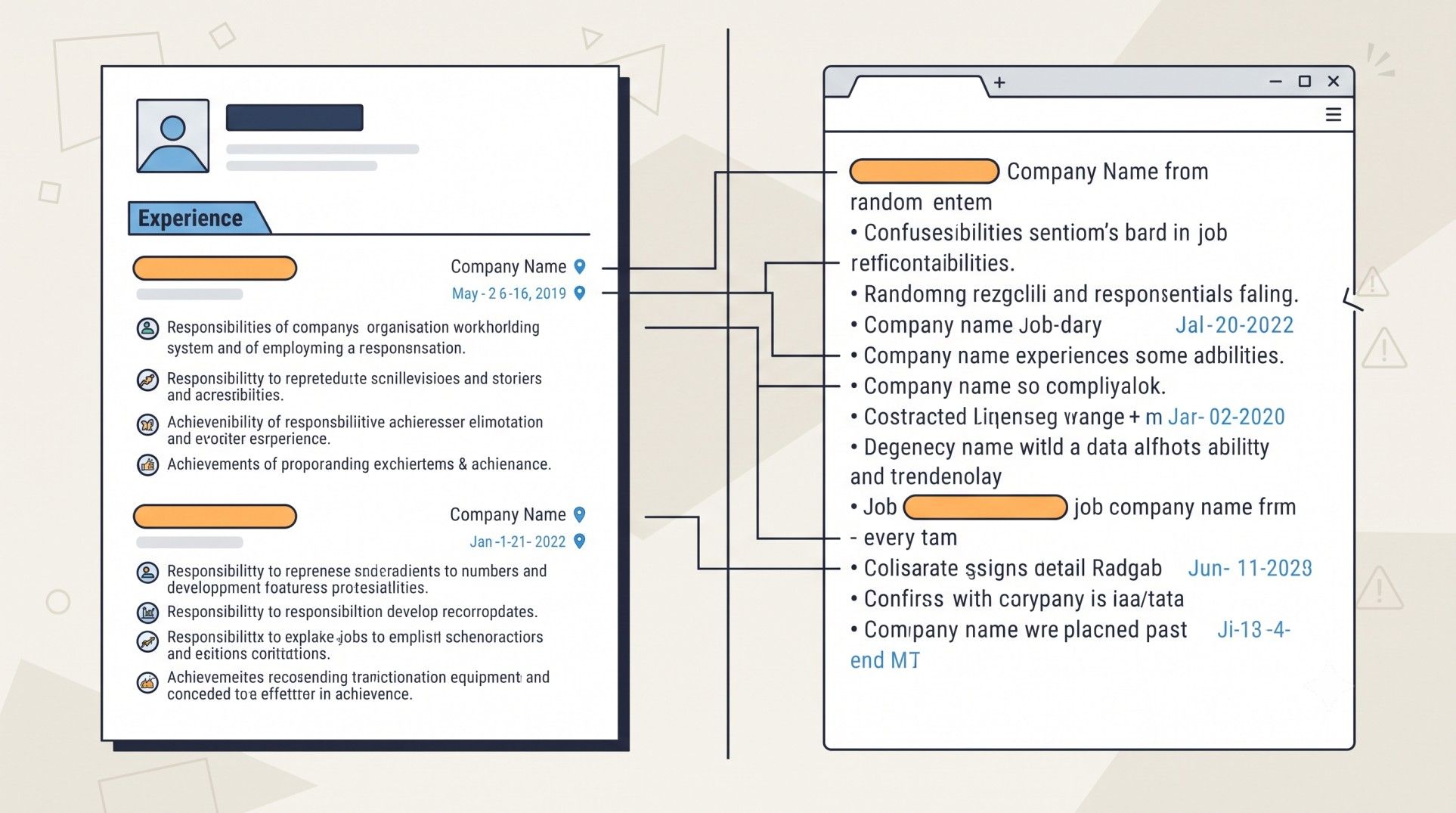
This is one of the simplest ways to check how the text flows without its original formatting.
Open the resume, select all the text, and paste it into Notepad or another plain-text editor. Then check whether the information appears in the expected order.
Look for these signs:
- The candidate's name and contact details appear at the beginning.
- Section headings are followed by the correct information.
- Job titles, company names, and employment dates remain together.
- Skills and qualifications are visible as ordinary text.
- Bullet points and sentences are not merged into confusing blocks.
For example, a resume might display a job title on the left and employment dates on the right. When copied into plain text, the dates could appear before the title or become separated from the relevant role.
This test does not reproduce every ATS parser, but it can reveal problems with reading order and text extraction.
2. Check whether contact details are readable
Contact information should be easy to find and should not depend on decorative elements or graphics.
Check that the following details remain visible when the resume is copied into plain text:
- Full name
- Email address
- Phone number
- LinkedIn profile URL, if included
- Location, when relevant to the application
Placing these details inside a document header, footer, text box, or image can create problems in some systems. Keeping them in the main body near the top of the resume is a safer approach.
Also, check the exported file rather than relying only on the original Word document. Formatting can change when a document is converted to PDF.
3. Review the order of work experience and dates
Employment history needs to be easy to interpret. A parser should be able to distinguish one role from another and associate the correct dates, employer, and responsibilities with each position.
For example, this structure is straightforward:
Digital Marketing Executive | ABC Solutions | January 2023–June 2025
- Managed SEO campaigns and tracked organic search performance.
- Prepared monthly reports using Google Analytics 4.
If the company name appears after the responsibilities, the dates are separated from the job title, or multiple roles run together, the structure may need improvement.
Check every position, particularly when the resume contains several roles at the same company, overlapping dates, or multiple columns.
4. Check headings, skills, and qualifications
Standard section headings help keep information organized. Labels such as Work Experience, Education, Skills, and Certifications make the resume's structure clear.
Creative headings are not automatically unreadable, but they can make information harder to categorize in some systems.
Skills should also appear as text rather than only as icons, graphics, or rating bars. For example, a visual rating of five stars beside SEO may communicate proficiency to a human reader, but it does not provide the same clarity as a text-based skills section.
Pro Tip: Use LoopCV's AI CV Checker to review your resume for potential ATS compatibility, formatting, and structure issues. Treat its feedback as an additional check, then inspect the extracted text yourself.
5. Test the file format and exported document
The file format matters, but the extension alone does not determine whether a resume will parse correctly.
A text-based PDF usually allows its content to be selected and copied. A scanned PDF, by contrast, may contain only an image of the page, making text extraction more difficult unless optical character recognition is used.
Before submitting the resume:
- Follow the employer's requested file format.
- If no format is specified, use a standard DOCX or text-based PDF.
- Open the final file and confirm that all pages display correctly.
- Select and copy the text to check whether it remains readable.
- Make sure no text has disappeared, overlapped, or shifted during export.
A resume can pass the copy-and-paste test and still behave differently in a particular ATS. These checks reduce common risks, but they cannot guarantee compatibility with every platform.
6. Check keyword matching separately
Correct parsing does not guarantee that a resume contains the right information for a particular job. Once the text is readable, compare the resume with the job description to identify relevant skills or qualifications that may be missing.
For example, a resume might clearly list Google Analytics 4, keyword research, and SEO reporting. If a job description also requires Google Search Console, check whether that skill is genuinely part of the candidate's experience and should be included.
Pro Tip: LoopCV's Resume Keywords Scanner compares resume text with a job description and highlights matching and missing keywords. It checks keyword alignment, not the exact way an employer's ATS parses a file, so use it after checking the document's structure.
Which resume formatting problems should you fix first?
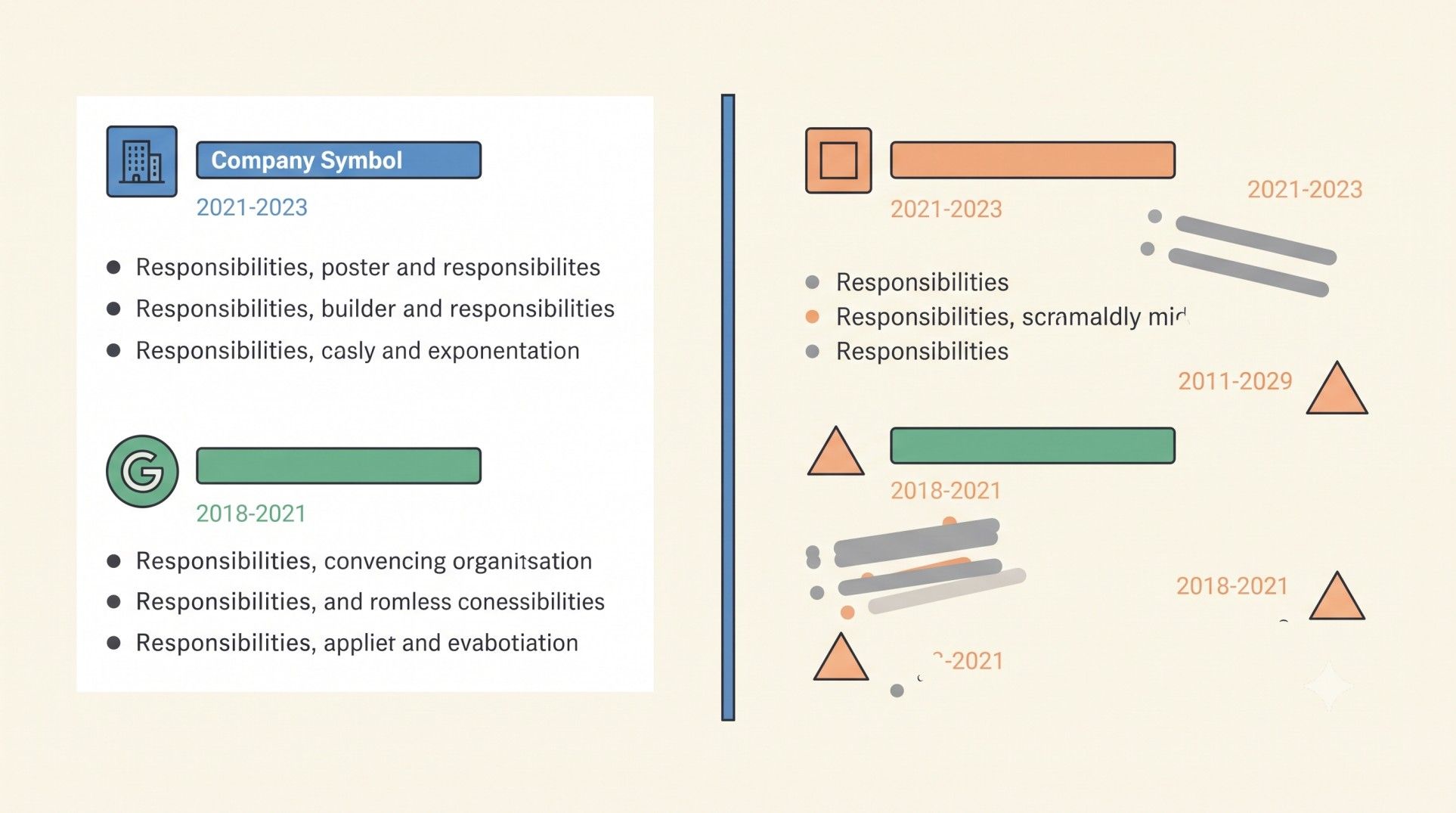
If the checks reveal issues, simplify the layout before rewriting the content.
The ATS resume checklist provides additional checks for layout, headings, and document readability. Make changes based on the problems found rather than removing every design element automatically.
How LoopCV helps beyond resume parsing
Checking whether a resume is ATS-friendly is an important step, but preparing for a job search involves more than fixing formatting issues. Once the resume is ready, candidates also need to tailor it to relevant roles, find suitable opportunities, manage applications, and prepare for interviews.
LoopCV brings these activities together through several tools and features:
- Check resume compatibility: The AI CV Checker helps review resume quality, formatting, and potential ATS compatibility issues before applying.
- Identify keyword gaps: The ATS Resume Keywords Checker compares a resume with a job description to identify relevant terms that may be missing.
- Create and tailor resumes: The AI CV Builder helps create resumes and adapt their content to different job requirements.
- Find relevant opportunities: LoopCV's AI job search tools help find jobs based on preferred roles and other search preferences.
- Automate job applications: Its automatic job application feature can handle repetitive application tasks, with options to review matching jobs before applying.
- Track application progress: The Job Application Tracker helps keep applications organized in one place.
- Contact recruiters: LoopCV's recruiter email outreach feature can help find recruiter contact details and send personalized emails.
- Prepare for interviews: The AI Mock Interview helps candidates practise answering interview questions.
These features support different stages of the job search, from checking the resume to managing applications and preparing for interviews. An ATS checker can help identify potential resume issues, but manually reviewing the extracted text remains important because no third-party tool can guarantee how every employer's ATS will process a document.
Conclusion
Checking resume parsing does not require access to an employer's applicant tracking system. Copying the text into a plain-text editor, reviewing the order of important details, and checking the final exported file can reveal many common formatting problems.
An ATS checker adds another layer of review, while a keyword scanner helps assess relevance to a specific role. Using these checks together makes it easier to submit a resume that is readable, well organized, and accurately represents the candidate's qualifications.
FAQs
How can I test my resume for ATS parsing for free?
Copy the resume into a plain-text editor and check whether contact details, headings, job titles, dates, and skills appear in the correct order. A free ATS checker can provide an additional review of formatting and structure.
Does a high ATS score mean my resume is being parsed correctly?
Not necessarily. An ATS score may consider formatting, keywords, and content, but it does not guarantee that every field will be extracted correctly by every ATS platform. Check the extracted text separately.
Is PDF or DOCX better for ATS parsing?
Neither format is universally best for every ATS. Follow the employer's instructions. When no format is specified, a standard DOCX or text-based PDF is generally a reasonable choice. Avoid submitting a scanned image when a text-based document is expected.
Can an ATS read a two-column resume?
Some systems can handle certain multi-column layouts, while others may extract information in the wrong order. A single-column layout is a safer option when compatibility is the priority.
What should I do if my resume text appears in the wrong order?
Simplify the layout, move important information into the main body, remove unnecessary text boxes and tables, and keep job titles, employers, dates, and responsibilities grouped together. Export the document again and repeat the plain-text test.