
Free ATS Score Checker: How to Test Your Resume Before Applying
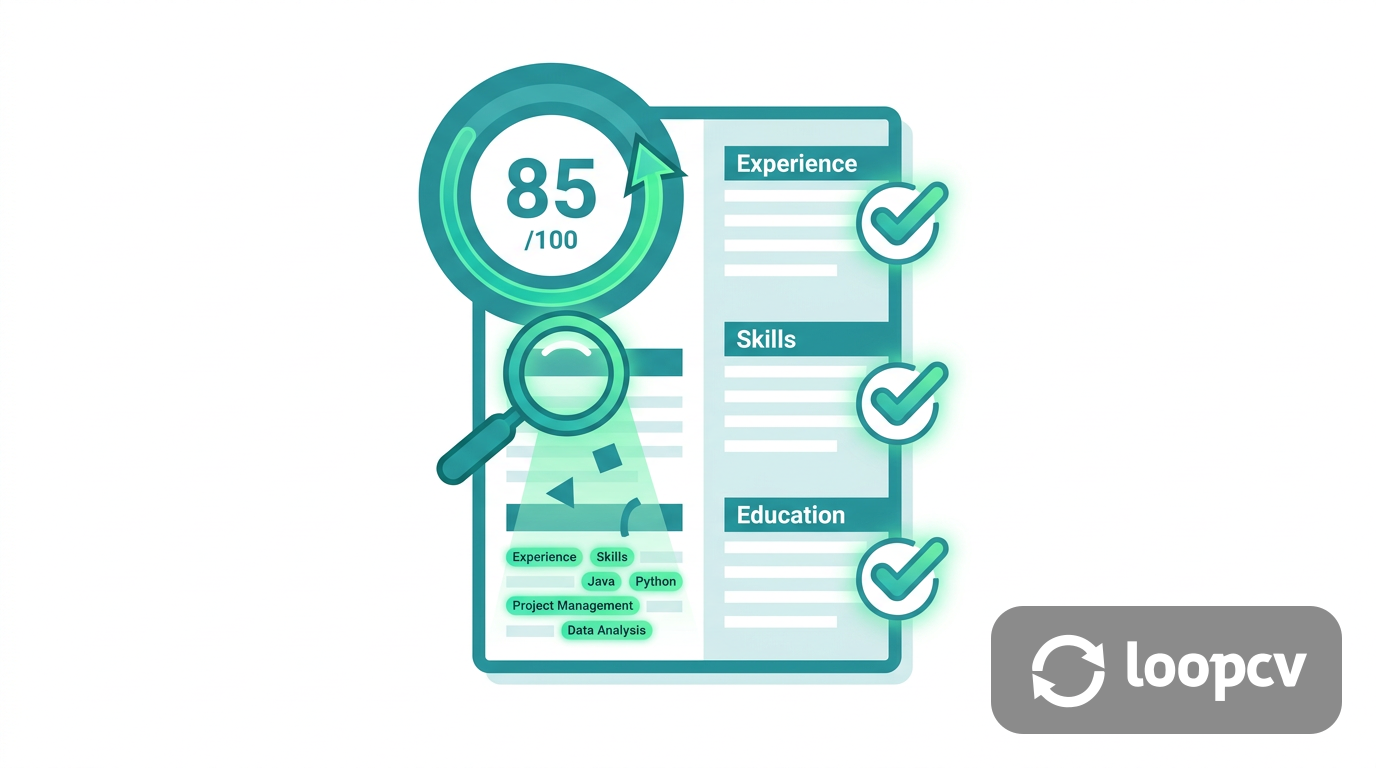
Every year, millions of job applications never reach a human. They're filtered out automatically by applicant tracking systems (ATS) before a recruiter ever looks at them.
If you're sending out applications and hearing nothing back, your resume may be failing the ATS test, not because your qualifications are wrong, but because the formatting, keywords, or structure aren't readable by the software.
A free ATS score checker lets you find out exactly where your resume stands before you hit submit. Here's how to use one, what your score means, and what to do with the results.
Once your score is where you want it, our best ChatGPT prompts for resume writing help you strengthen the content itself.
Comparing tools? The full tested roundup is our full ATS score checker roundup.
What Is an ATS Score Checker?
An ATS score checker is a tool that simulates what an applicant tracking system sees when it reads your resume. It analyzes your document and returns a score based on how well your resume is structured, formatted, and keyword-matched for the type of role you're targeting.
Most ATS checkers evaluate a combination of:
- Keyword match rate — does your resume contain the terms employers are filtering for?
- Formatting compatibility — is the layout readable by ATS parsers (no tables, graphics, or unusual fonts)?
- Section completeness — does your resume have the expected sections: work experience, education, skills, summary?
- Bullet point quality — are your accomplishments written with action verbs and measurable outcomes?
- File type — PDF and DOCX are generally safe; image-based PDFs and fancy designs are not
The output is typically a score between 0 and 100 (or a match percentage), with a breakdown of what's hurting your score and what to fix.
How to Check Your ATS Score for Free
The fastest way to get a free ATS score with no account or credit card required is LoopCV's free AI resume checker.
Here's how to use it:
- Go to the free ATS checker tool at loopcv.pro/ai-cv-checker
- Upload your resume — PDF or DOCX, results in seconds
- Paste a job description (optional but recommended) — the tool will match your resume against the specific keywords and requirements of the role
- Review your ATS score — you get a 0-100 score, a keyword match breakdown, formatting issues, and suggestions for improvement
- Fix the flagged issues — update your resume based on the feedback, then re-check
The entire process takes under two minutes. No signup. No credit card. No waiting.
How to Read Your ATS Score
Different tools use different scales, but as a general benchmark:
| Score Range | What It Means | What to Do |
|---|---|---|
| 80-100 | Strong ATS performance | Focus on tailoring per-job keywords |
| 60-79 | Moderate — likely passing some filters | Fix formatting issues and add missing sections |
| 40-59 | At risk — probably filtered in many systems | Significant keyword gaps or formatting problems to fix |
| Below 40 | High risk of automatic rejection | Major structural or content overhaul needed |
Keep in mind: a high general ATS score doesn't guarantee you pass every job's specific filter. ATS systems are configured per employer, and keyword requirements vary significantly by role. Always pair a general ATS check with a job-specific keyword match before you apply.
The Most Common Reasons for a Low ATS Score
1. Missing Keywords from the Job Description
This is the most common cause of a low ATS match rate. If the job description requires "Salesforce CRM" and your resume says "customer relationship software," the ATS won't connect them. Use the exact terminology from the posting, even if it feels redundant.
2. Incompatible Formatting
Tables, columns, headers and footers, text boxes, and graphic elements all cause ATS parsing errors. The safest resume format is a clean single-column layout with standard fonts (Arial, Calibri, Georgia). Fancy resume templates look impressive to humans but are often invisible to ATS software.
3. Missing Standard Sections
ATS systems look for named sections: "Work Experience," "Education," "Skills," "Summary." If you've renamed these or merged them creatively, the parser may skip them entirely. Stick to standard section headers.
4. Wrong File Format
Always submit PDF or DOCX unless the job posting specifies otherwise. Image-based PDFs (scanned resumes), Pages files (.pages), and RTF documents are often unreadable to ATS software.
5. Weak or Passive Bullet Points
ATS systems increasingly flag passive language and generic phrasing. "Responsible for managing a team" scores worse than "Led a team of 8 engineers to deliver a product three weeks ahead of schedule." Lead with action verbs and include measurable outcomes where possible.
How to Improve Your ATS Score
Step 1: Match Keywords from the Job Description
Read the job posting carefully and note every specific tool, technology, skill, and qualification mentioned. Add the ones that apply to you into your resume using the same exact phrasing. Pay particular attention to required skills listed at the top of the posting.
Step 2: Fix Your Formatting
Remove tables, columns, and any design elements. Use a standard font, consistent bullet points, and clear section headers. Keep your resume to one or two pages with generous white space.
Step 3: Write Stronger Bullet Points
Every bullet point should start with an action verb (Built, Led, Increased, Reduced, Delivered) and ideally include a number. "Reduced onboarding time by 30%" is more ATS-friendly and more persuasive to a recruiter than "Helped with onboarding."
Step 4: Add a Skills Section
A dedicated skills section is an easy win. List your core competencies, tools, certifications, and technologies as a clean bulleted list. This gives ATS systems a clear place to find keywords without having to parse them out of your work history.
Step 5: Re-check After Every Update
Run your updated resume through the ATS checker again. Aim for a score above 80 before you apply. For roles you're especially interested in, re-tailor your resume for each specific job description and re-check each time.
What Happens After You Get a Good ATS Score?
Passing the ATS filter is step one. It gets your resume in front of a human recruiter. But it doesn't handle the volume problem: most job seekers need to apply to dozens or hundreds of roles to land interviews.
That's where LoopCV goes further than a standard ATS checker. Once your resume is optimized, LoopCV's auto-apply engine can submit your application to matching jobs across 30+ platforms (LinkedIn, Indeed, Glassdoor, and more) automatically, on a daily schedule, while you focus on interview prep.
Most ATS checkers help you fix your resume. LoopCV fixes your resume and then puts it in front of employers for you.
Free ATS Score Checker: Quick Comparison
| Tool | Free ATS Check | No Login Required | Keyword Matching | Auto-Apply |
|---|---|---|---|---|
| LoopCV | Yes | Yes | Yes | Yes |
| Jobscan | 5 scans/mo | No | Yes (advanced) | No |
| Resume Worded | Limited | No | Basic | No |
| Teal HQ | Yes | No | Paid only | No |
| SkillSyncer | 1/week | Yes | Yes | No |
Frequently Asked Questions
Is a free ATS score checker accurate?
Free ATS checkers give you a reliable signal about the major issues: keyword gaps, formatting problems, missing sections, and weak language. They won't replicate the exact behavior of every employer's ATS (since each system is configured differently), but they catch the issues that cause most rejections. For most job seekers, a free checker is more than sufficient to meaningfully improve their resume.
How often should I check my ATS score?
Check your baseline score once when you first create or update your resume. Then re-check every time you tailor it for a specific job description. A resume optimized for a project manager role will score differently on a software engineer posting. Treat it like a per-application checklist, not a one-time fix.
Can I check my ATS score without uploading my resume?
Most ATS checkers require you to upload your resume (PDF or DOCX) to analyze it. Some allow you to paste the text directly. LoopCV's free checker accepts file uploads with no login required, so your resume data stays within the tool and isn't used for anything else.
What is a good ATS score?
A score of 80 or above is considered strong for general ATS compatibility. For job-specific keyword matching, aim for a match rate above 70% against the job description before applying. If you're below 60, prioritize fixing keyword gaps and formatting issues before submitting.
Does an ATS score guarantee my resume gets read?
A high ATS score improves your chances of passing automated filters, but it doesn't guarantee a human reads your resume. Recruiters at high-volume companies may still skim quickly. A strong ATS score combined with a well-written, results-focused resume gives you the best shot at moving to the next stage.