Should You Use the Same Resume Template for Every Job?
A clean resume template can usually be reused for multiple job applications. You do not need a new design for every job. What should change is the content inside the template, including keywords, bullet points, and relevant achievements.
The template still matters because its layout can affect how an applicant tracking system (ATS) reads your resume. Your industry, experience level, and application method can also affect which format makes sense.
- A resume template can affect how an ATS reads and organizes your information.
- Single-column layouts and standard section headings are generally easier for ATS software to process.
- Graphics, icons, text boxes, multiple columns, and complex layouts can create parsing problems.
- A clean, ATS-friendly template can usually be reused across different job applications.
- Resume tailoring should focus on changing keywords, bullet points, skills, and relevant achievements rather than redesigning the resume for every job.
- The exported PDF needs a separate check because a template can look correct in the editor while still causing reading-order or parsing problems.
Why does the resume template matter?
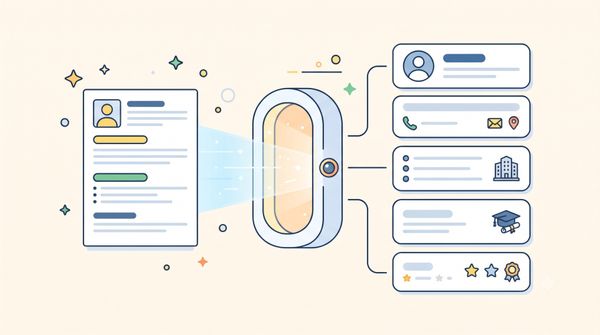
A resume template affects how your information is organized and read. An ATS needs to identify sections such as work experience, education, skills, and job titles before a recruiter reviews the resume.
Simple layouts make this easier. Multiple columns, floating text boxes, icons, graphics, and visual skill bars can interfere with the reading order.
LoopCV's testing of Canva resumes and ATS parsing found that heavily designed templates can create basic ATS parsing problems.
A resume can therefore look polished to a person and still be difficult for an ATS to process.
When can you reuse the same resume template?
You can usually reuse a clean, ATS-friendly template across different applications, as long as a single-column layout with standard section headings and simple formatting fits the role. The content should change based on the job, not the design.
For example, you can change:
- Keywords that match the job description
- The order of your bullet points
- Which achievements appear first
- The skills you emphasize
- The experience that gets the most space
This is also the approach behind [structured resume tailoring with Claude]. The structure stays consistent while the content changes to match the position.
When can the same template become a problem?
A template can become a problem when its design does not support the role, experience level, or application process.
The design does not fit the role
Some roles call for a conservative resume format. Finance and law are common examples.
Creative roles can allow more visual flexibility. However, online applications still require a format that an ATS can read correctly.
The application method matters as much as the role. A visually designed resume may work when sent directly to a person but create problems when uploaded to an ATS.
The layout does not fit your experience
Your resume should have enough space for your relevant experience.
A one-page entry-level template may not work well for someone with 10 or more years of experience. A dense senior-level template can also make an early-career resume look unnecessarily complicated.
Choose a layout that fits the amount of relevant information you need to present.
The template starts controlling the content
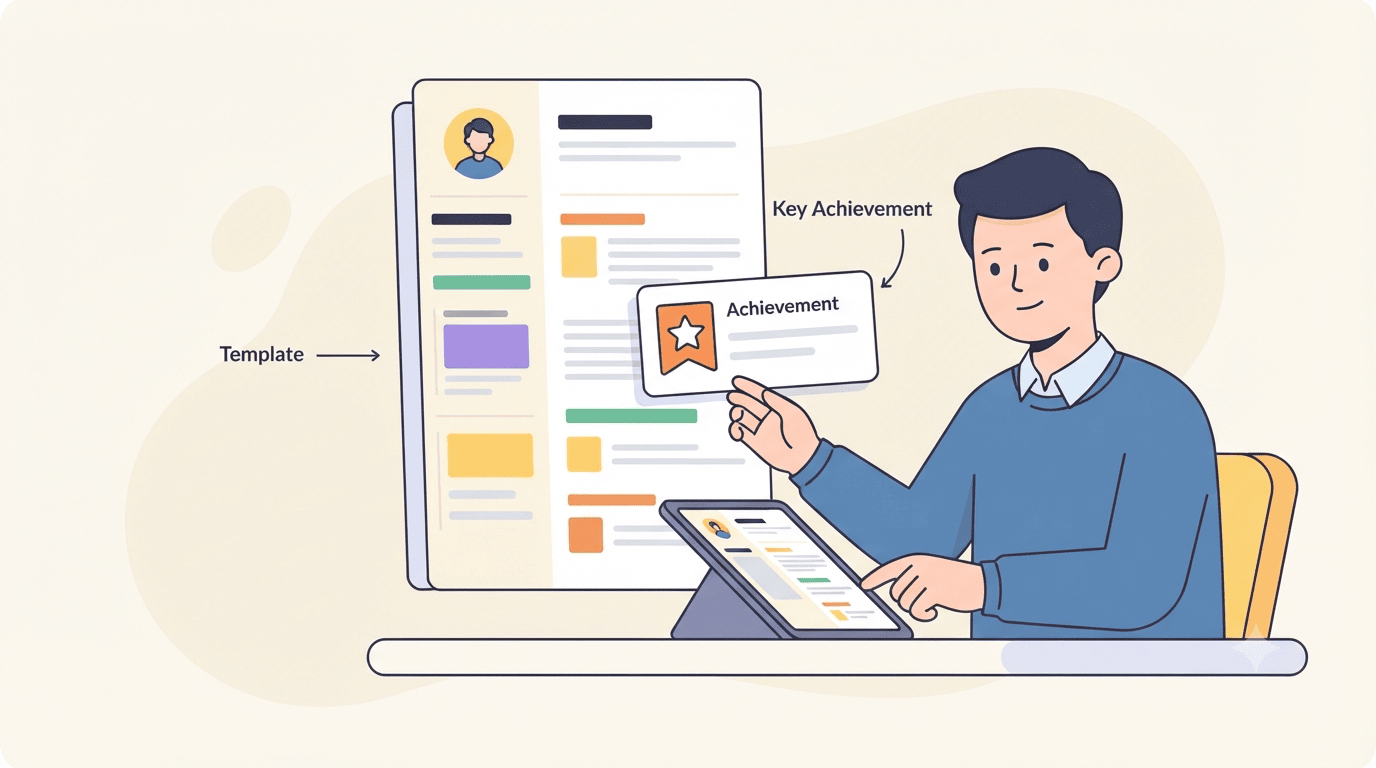
A fixed template can force important information out of the resume.
For example, a template may give you limited space for achievements. You may then remove a strong accomplishment simply because it does not fit the design.
The content should determine the layout. The layout should not determine which achievements make it onto the resume.
Free templates can create problems
Free resume templates can come with sign-up requirements, paid features, watermarks, or export problems.
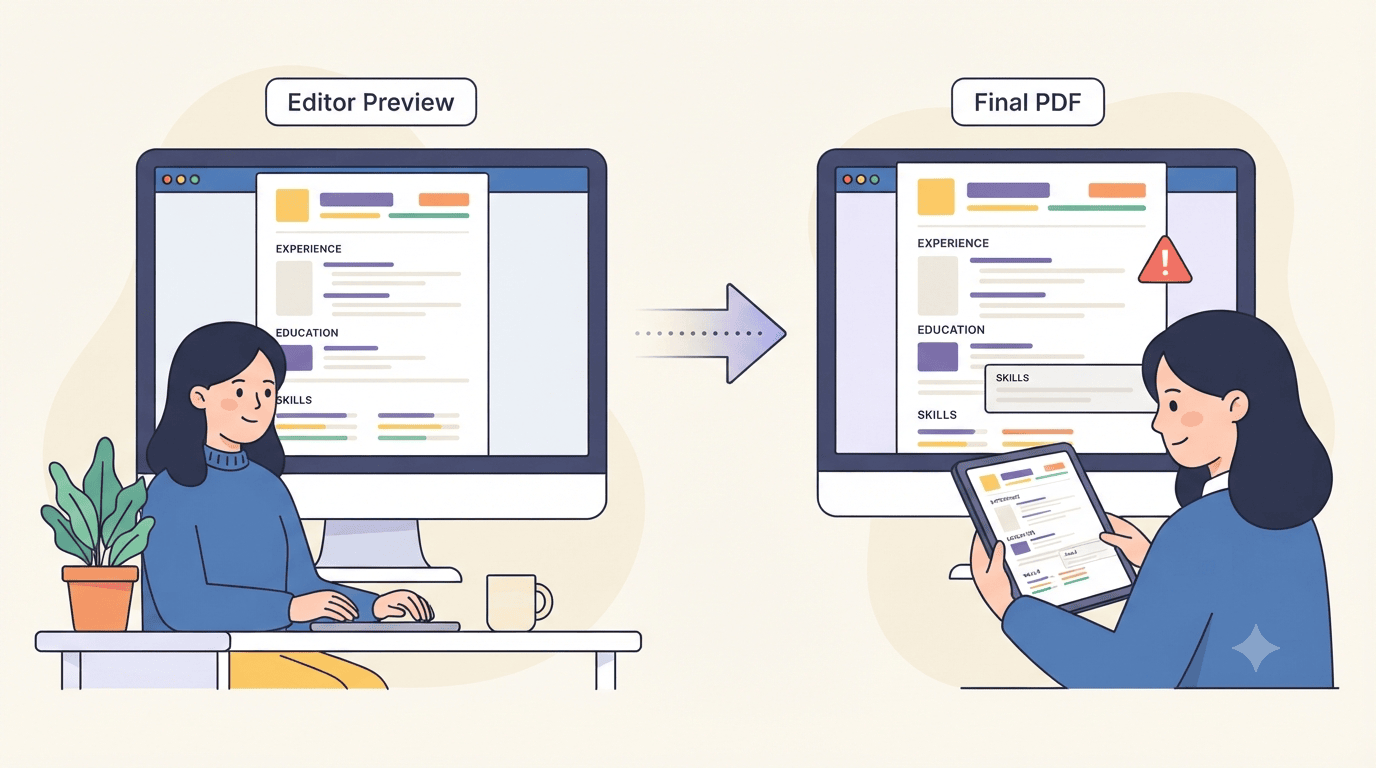
Some templates also look fine in the editing tool but change when exported to PDF.
A template labelled "ATS-friendly" is not automatically ATS-safe. The final file still needs to be checked.
What a resume template can fix and what it can't
A resume template can fix formatting problems. It cannot fix weak resume content.
A clean layout will not make vague bullet points stronger, make unrelated experience relevant, or create skills you don't have. It also will not decide which of your achievements make it onto the page — that's a content decision, not a design one.
Template selection can also take too much time. Spending hours comparing designs leaves less time for improving the content that employers actually read.
The template's job is to present your experience clearly. Making that experience relevant to the position is still your job — through the keywords you choose, the achievements you highlight, and how you adjust the content for each application.
The final PDF also needs to be checked, separately from how the template looks in the editor. Make sure the text is selectable and follows the correct reading order.
How to choose and reuse a resume template
Use a simple process when choosing a template:
- Start with a simple layout. Choose a single-column structure with standard sections for most online applications.
- Match the format to the role. Use conservative formatting for fields that expect traditional resumes. Use more visual flexibility only when the role and application method support it.
- Match the layout to your experience. Make sure the template gives enough space for your relevant work history.
- Reuse the template and change the content. Adjust keywords, bullet order, skills, and achievements for each job.
- Check the exported file. Make sure the PDF preserves the correct reading order.
- Check the content against the job description. A clean template does not guarantee a strong match.
Pro tip: Use the ATS Resume Keywords Checker to compare your resume with the actual job description before submitting it. This helps identify relevant keywords that may need to be reflected in the resume content.
How LoopCV helps you build and tailor a reusable resume
LoopCV is one of the best tools for managing the modern job search when you need to reuse a strong resume structure while tailoring the content for different jobs.
The process starts with a reliable resume base. The same structure can then support different versions for different positions.
LoopCV helps with the parts that matter most:
- Resume templates: The CV Templates gallery includes Simple, Modern, and Creative options. This makes it easier to start with a format that fits the role.
- Resume creation: The AI CV Builder can help create a resume from a selected template and adapt it for different positions.
- Achievement writing: The CV Bullet Point Generator can help turn basic responsibilities into clearer, role-focused bullet points.
- Resume checks: The AI CV Checker can identify issues with the resume before you submit it.
- Keyword matching: The ATS Resume Keywords Checker compares resume content with a specific job description.
- ATS benchmarks: What Is a Good ATS Score? provides a reference point for evaluating resume performance.
Pro tip: Run the AI CV Checker on the final resume you plan to submit. Check the exported version as well, since the PDF can behave differently from the template while editing.
Conclusion
You can reuse the same resume template for multiple jobs if the format is clean and ATS-friendly.
The bigger task is tailoring the content. Change the keywords, reorder your bullet points, and highlight the experience that matters most for each position.
A good template gives your resume a consistent structure. Strong, relevant content gives employers a reason to keep reading.
FAQs
Should I use a different resume template for every job?
No. A clean, ATS-friendly template can usually be reused. The content should change based on the job.
Are designed resume templates safe for ATS?
Some can work, but complex layouts have a higher risk of parsing problems. A simple layout is generally easier for an ATS to process.
How do I know if my template is causing problems?
Check the exported resume with an ATS or keyword-matching tool. Make sure the text is selectable and follows the correct reading order.
Are free resume templates worth using?
Some can be useful. Check for sign-up requirements, hidden costs, export problems, and ATS compatibility before using one.
Does changing my resume template count as tailoring?
No. Tailoring means changing the content, keywords, bullet order, and emphasis for a specific job. The template provides the structure.