How to Review Automated Job Applications Without Reviewing Every Application
Automated job applications can save hours of repetitive work, but sending more applications doesn't automatically mean finding better opportunities. If every application needs to be checked individually, much of the time saved through automation disappears.
The solution is to build a review process that focuses on the most important checks. Clear job-search criteria, regular quality checks, application tracking, and a system for flagging exceptions can help candidates monitor automated applications without opening every submission one by one.
- Set clear job titles, locations, seniority levels, salary expectations, and company exclusions before enabling application automation.
- Review a sample of applications to identify recurring problems with job matching, resume relevance, or application details.
- Prioritise exceptions such as unsuitable roles, incorrect information, duplicate applications, and unexpected application outcomes.
- Use application tracking and response data to identify patterns that require changes to job-search settings.
- LoopCV helps candidates find jobs, automate applications, review matches selectively, and monitor application activity.
Why reviewing every automated application isn't practical
Automated job applications reduce the manual work involved in finding vacancies, filling out forms, and submitting resumes. However, reviewing every application individually can become difficult when the system processes a large number of job matches.
The challenge is not simply the number of applications. It's knowing which applications need attention.
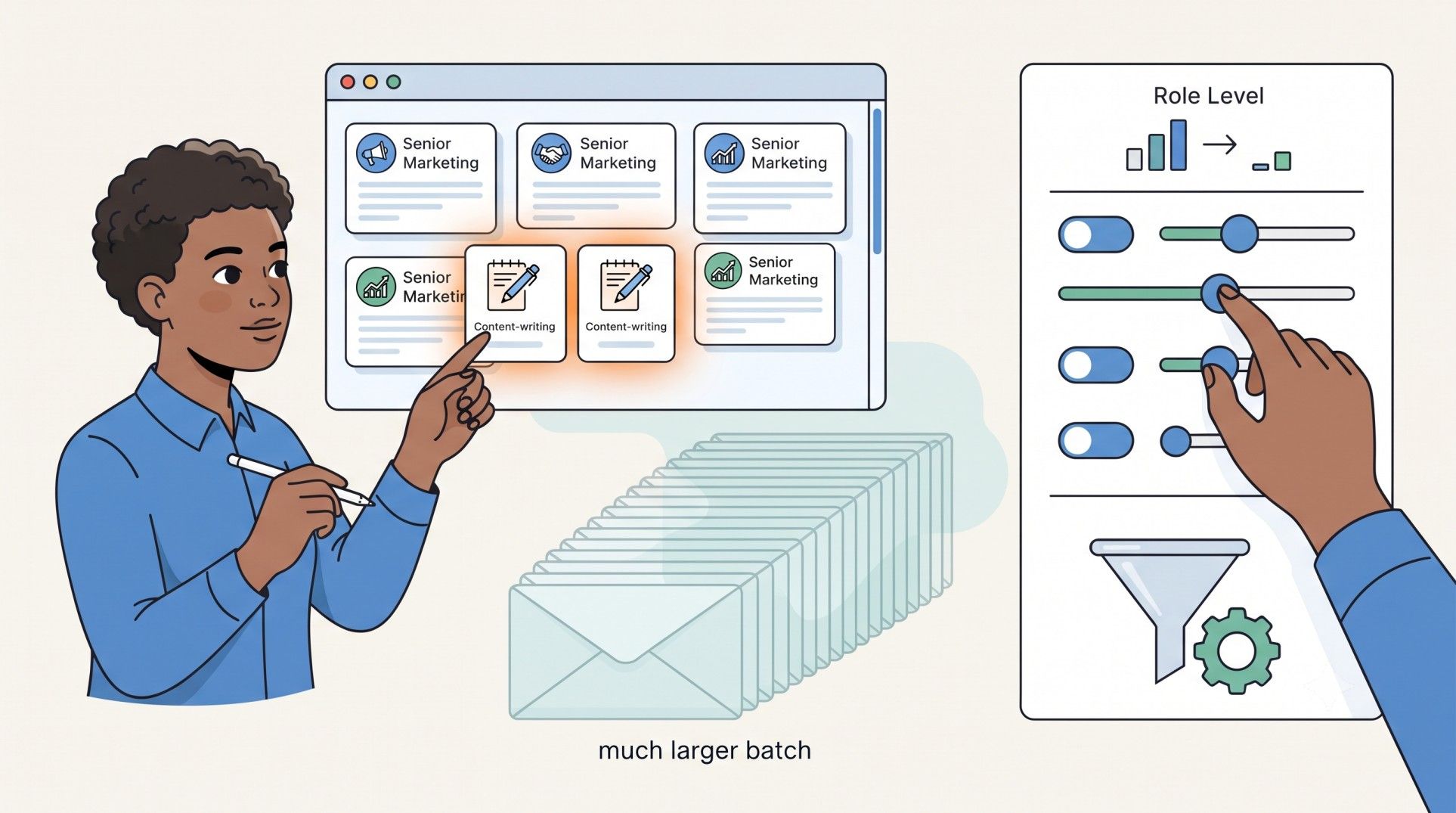
For example, if an automated search is configured for senior marketing roles but begins matching junior content-writing positions, checking each submission manually won't solve the underlying problem efficiently. The job-search criteria need to be corrected.
As explained in 5 Problems That Can Happen When You Automate Job Applications, automation can produce poor-fit matches, duplicate applications, and unwanted submissions when the rules aren't configured properly.
A better process checks the quality of the system, identifies exceptions, and reviews individual applications when something needs attention.
How to review automated job applications efficiently
A structured review process helps identify problems early without requiring a manual check of every application.
1. Set clear rules before automation starts
The first quality check happens before an application is submitted. Automated systems rely on the job-search criteria and candidate information provided during setup, so unclear preferences can lead to unsuitable matches.
Define the following before enabling automation:
- Job titles and seniority: Specify the roles and experience levels that match the candidate's background.
- Location and work preferences: Set acceptable locations, remote-work preferences, and employment types.
- Salary expectations: Include a minimum salary or range when the tool supports it.
- Company exclusions: Exclude employers the candidate doesn't want to contact, including companies where an application has already been submitted when appropriate.
- Required skills and keywords: Add relevant terms that help narrow the search without making the criteria unnecessarily restrictive.
These settings establish the rules against which future applications can be reviewed. If the system repeatedly finds unsuitable jobs, adjust the criteria instead of manually rejecting similar matches one at a time.
Pro Tip: LoopCV offers a One-Click Apply mode for candidates who prefer to review job matches before applying. The platform collects matching opportunities in a dashboard, allowing candidates to select relevant roles without committing to fully automatic submission.
2. Review a sample of applications instead of every submission
Sampling helps determine whether the automation is working as intended. Rather than opening every application, select a small, varied group of recent matches and check whether they meet the candidate's requirements.
For each sample, ask:
- Does the role match the intended job title and seniority?
- Does the candidate meet the essential qualifications?
- Is the location and working arrangement acceptable?
- Is the resume appropriate for the role?
- Are the employer and job listing relevant to the candidate's goals?
Include different job titles, companies, and application sources in the sample where possible. Reviewing only the easiest or most obvious matches may hide problems affecting other types of roles.
If the sample consistently contains suitable jobs and accurate application details, continue monitoring the process. If several applications show the same problem, pause or narrow the relevant search before more applications are sent.
Sampling is a practical quality-control method, not proof that every unreviewed application is correct. Its purpose is to identify recurring issues without creating unnecessary manual work.
3. Check for exceptions rather than reviewing every routine application
Some applications deserve closer attention than others. Establish a list of situations that should trigger a manual review.
This approach separates routine applications from cases that require a decision. It also helps prevent the same problem from affecting hundreds of future submissions.
Pro Tip: LoopCV's AI job search tool lets candidates define search preferences and filters for their job search. Review the settings before enabling automatic applications, particularly when targeting multiple roles or locations.
4. Monitor application outcomes to spot patterns
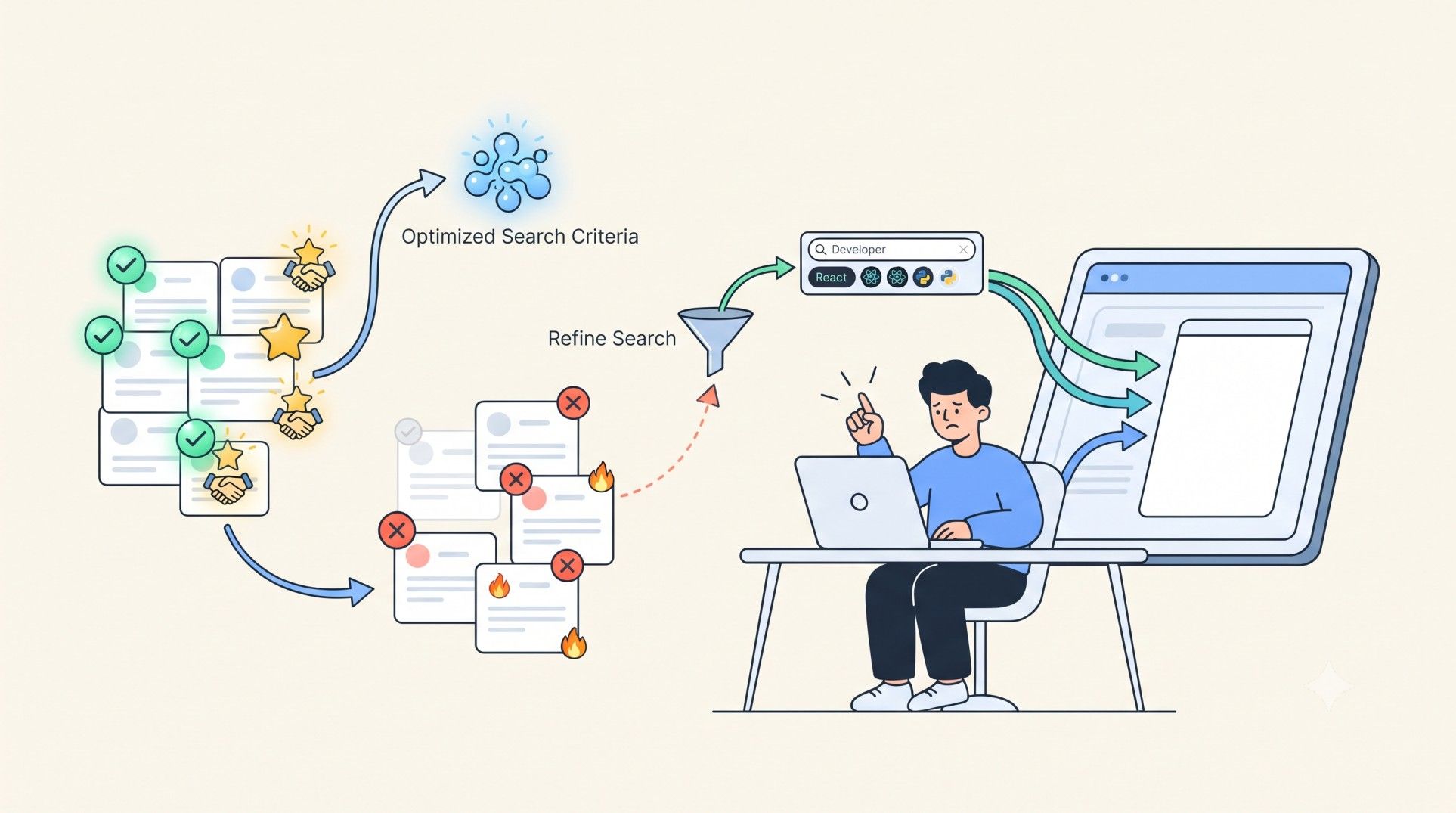
The number of applications submitted is only one measure of job-search activity. Response rates, recruiter replies, and interview invitations can provide additional information about whether the search is reaching the right employers.
Review the available data periodically and look for patterns such as:
- Certain job titles receiving more recruiter responses than others.
- Applications for a particular seniority level producing few relevant replies.
- Some resume versions performing better for specific roles.
- Repeatedly unsuccessful applications suggesting that the targeting criteria need adjustment.
Avoid changing the entire job-search setup after one unsuccessful application. Look for recurring patterns and consider other factors, including the competitiveness of the role, the quality of the resume, and the employer's hiring requirements.
If a particular job category consistently produces poor matches, narrow the search or create a separate job search with more appropriate criteria.
5. Keep application records organised
A review process becomes difficult when there is no reliable record of which companies received applications and when they were submitted.
Use an application tracker to monitor:
- Company and job title.
- Application date and source.
- Current application status.
- Recruiter responses and interview invitations.
- Any follow-up or action required.
This information helps identify duplicates, prioritise recruiter responses, and avoid spending time investigating applications that have already been reviewed.
LoopCV's Job Application Tracker brings application activity into a central dashboard, reducing the need to maintain a separate manual record for every submission.
How often should automated applications be reviewed?
The right review frequency depends on application volume, the reliability of the search criteria, and how much control the candidate wants over each submission. A simple schedule can help maintain quality without making review another full-time task.
A new job search should receive closer attention at the beginning. Once the criteria have been tested and the results look consistent, routine checks can focus more on exceptions and performance patterns.
Any significant change to the resume, job preferences, or automation settings should trigger another quality check.
How LoopCV helps manage automated applications
Reviewing automated applications is easier when job discovery, application submission, and tracking are connected. LoopCV supports several parts of this process, allowing candidates to choose how much automation they want.
- Find matching opportunities: The AI Job Search Tool helps discover roles based on job titles, locations, keywords, and other preferences.
- Choose how applications are submitted: Auto Apply submits applications automatically to matching roles, while One-Click Apply lets candidates review matches and decide which ones to pursue.
- Check resume quality: The AI CV Checker helps identify potential formatting, structure, and content issues before applications are sent.
- Compare resumes with job descriptions: The Resume Keywords Scanner highlights matching and missing terms to help assess job-specific relevance.
- Prepare application materials: The AI CV Builder helps create and tailor resume content for different roles.
- Draft cover letters: The AI Cover Letter Generator provides a starting point for role-specific cover letters that candidates can review.
- Automate recruiter outreach: LoopCV can help identify recruiter contact details and send personalised outreach emails, depending on the selected workflow.
- Track application activity: The central application dashboard helps candidates monitor submitted applications and available status or response information.
The most effective setup depends on the candidate's needs. Those who want more control can review matches before applying, while those using full automation can focus their attention on checking samples, resolving exceptions, and monitoring outcomes.
The aim is not to eliminate review altogether. It's to make review more selective, so time is spent on decisions and problems that actually need attention.
Conclusion
Reviewing every automated job application individually can defeat the purpose of automation. A better approach combines clear search criteria, sample-based quality checks, exception handling, and regular monitoring of application outcomes.
Start by verifying that the system finds relevant roles and uses accurate candidate information. Then focus ongoing reviews on recurring problems, unusual results, and changes in application performance. This makes it easier to manage a large job search without losing control over where applications go.
FAQs
Do automated job applications need to be reviewed manually?
Not necessarily one by one. Candidates can review a sample of applications, monitor exceptions, and check performance patterns. Applications involving uncertain eligibility, incorrect information, or unsuitable roles may still require individual attention.
How many automated job applications should I review?
There is no universal number. Start with a small, varied sample after setting up the search and increase the checks if problems appear. The sample should cover different roles and sources where possible.
What should I do if automated applications keep targeting unsuitable jobs?
Review the search criteria, including job titles, seniority, locations, keywords, and company exclusions. Pause or narrow the affected search if necessary, then test the revised settings before allowing more applications.
How can I tell whether an automated job search is working?
Look beyond the total number of applications. Check job relevance, recruiter responses, interview invitations, duplicate submissions, and recurring errors. These indicators help determine whether the search needs adjustments.
Is fully automated applying better than reviewing each match?
It depends on the candidate's priorities. Full automation reduces manual effort, while reviewing matches before submission provides more control over individual opportunities. A selective approach can be useful for candidates who want to save time without applying to every match automatically.